
Boss summoner
Here you will learn how to create a block that summons a boss, has a cooldown, it is displayed on top of the block, and you can't spawn 2 bosses at the same time, let's do it !!
- First create your eb with /eb create <id>
- Then edit the block you would want the spawner to be, in this case it will be a bedrock.
- Now, llet's create a timer action following the steps explained on the methods section of EB.
- Once we have everything done, the trigger for the method will be RIGHT CLICK, so when you summon the boss you will need to wait "x" time to summon another again.
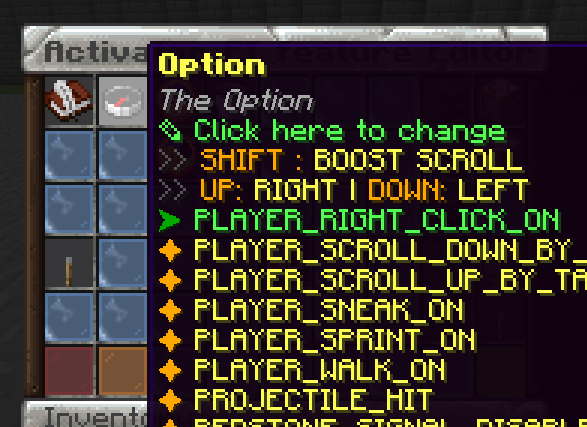
- Just follow the steps and the only thing you have to change is the command, where according to what is said on Compatible Plugins would be something like this:
-
mm m spawn (mob_id) 1 %block_world%,%block_x%,%block_y%+1,%block_z%
-

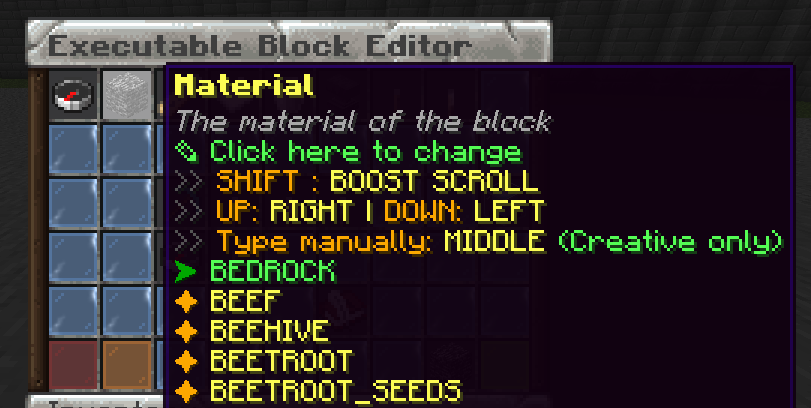
Finally it would look like this:
Try it now
Copy this into ExecutableBlocks and reload
From the SCore custom commands reference. Paste it into a config, run the plugin's reload command, and you have a working starting point to edit.
activators:
  activator0: # Activator ID, you can create as many activator on the activators list
    option: # Here goes an activator that is at least instance of player
    playerCommands:
    - ABSORPTION amount:5 time:200 # Gives the player absorption
  activator1: # Activator ID, you can create as many activator on the activators list
    option: # Here goes an activator that is at least instance of target
    targetCommands:
- ABSORPTION amount:5 time:200 # Gives the target absorptionPlugin used on this page
ExecutableBlocksCustom blocks that react to players, with activators and commands.
- 5.0/5 from 8 reviews
- 400 servers running it right now (bStats)
- 22 downloads on SPlugins
€14.49
one-time, lifetime updates
Created Oct 26, 2025Last updated Jun 22, 2026 by Ssomar
Edit this page on GitHub