🔨 Socketing a gem
There are three ways to put a gem in an item. They all follow the same rules.
1. In your inventory
Pick up the gem and click on the item. It works in your inventory, chests, barrels, ender chests and shulker boxes.
While a gem is on your cursor, the items it fits show their chance of success.
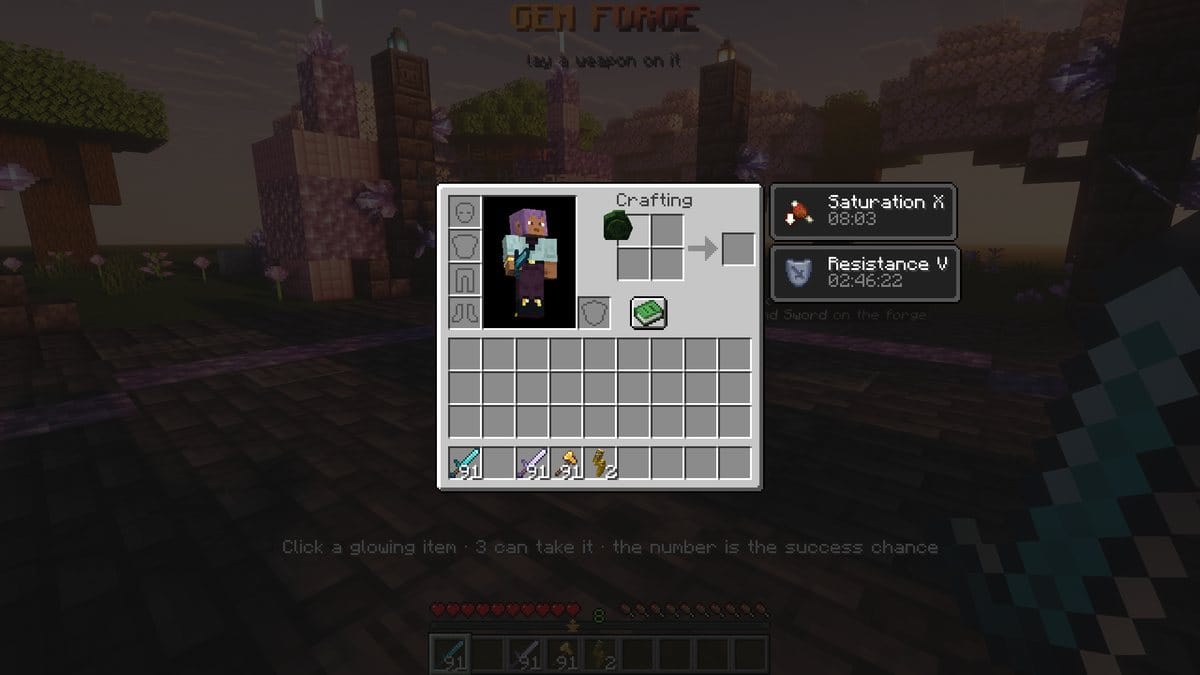
This does not work in creative mode, because the client handles the cursor there. Use one of the two other ways.
2. By holding it
Put the gem in one hand and the item in the other, then hold right click. A bar fills up, and the gem is socketed when it is full. Let go to cancel.
3. At a forge
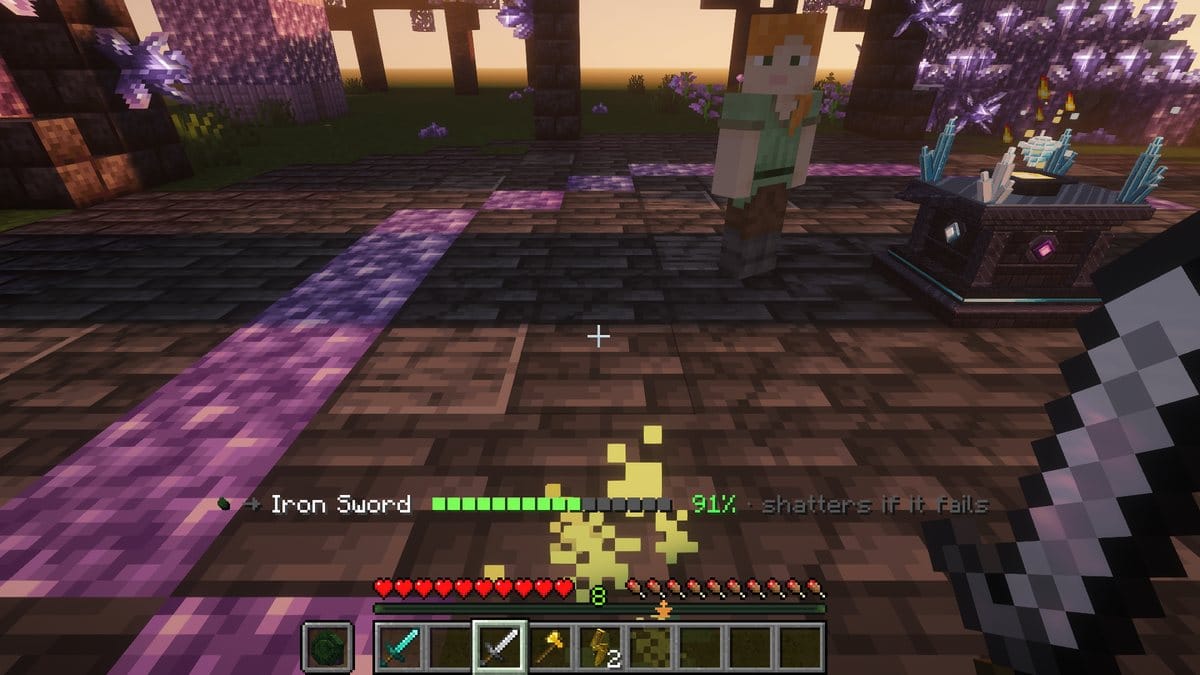
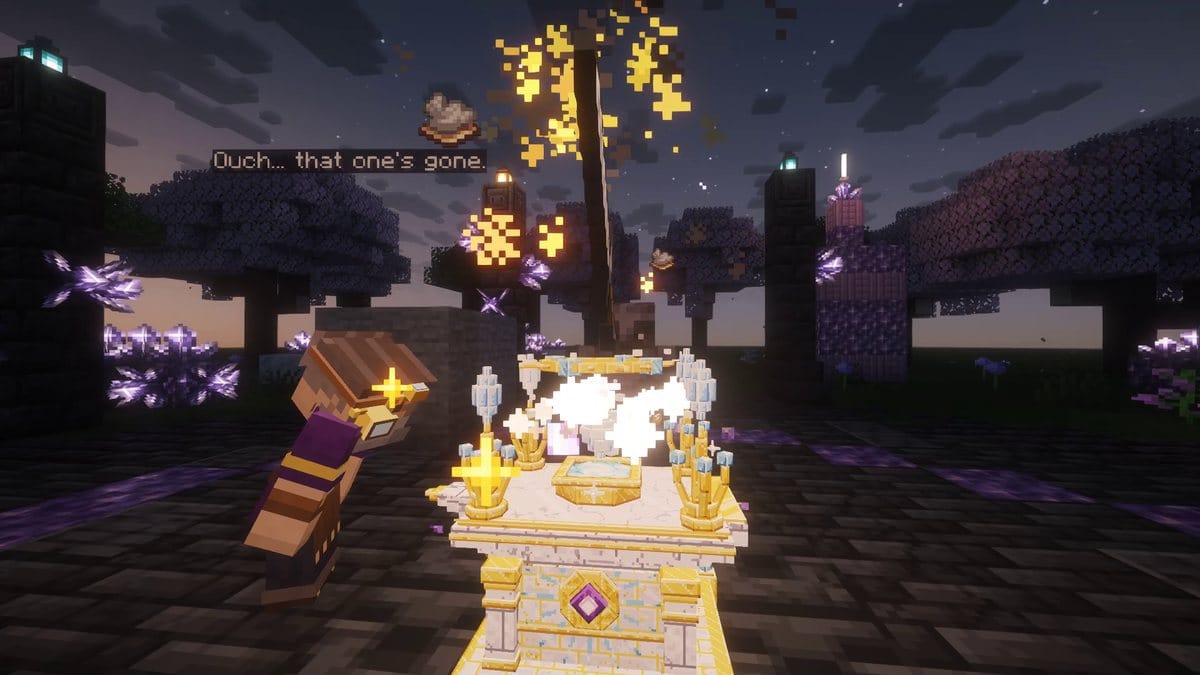
Lay the item on a Gem Forge, then right-click the forge with the gem. It is the best way: the forge can add to your chance, you choose the socket, and you can strike at the right moment for an extra bonus.
The chance of success
Each gem shows its success chance. Higher levels and stronger gems are harder to socket.
If the chance is below 100%, a window asks you to confirm and shows the item as it will be afterwards.
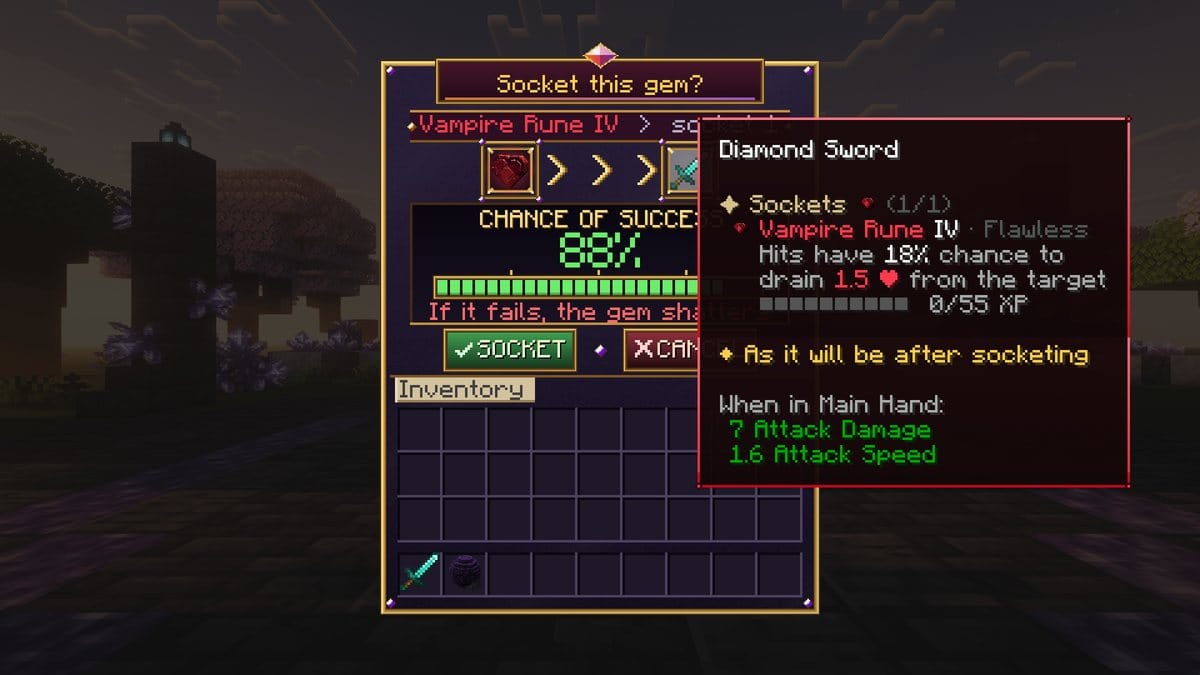
If it fails, your item is never harmed. The gem either:
- shatters and is lost, for most gems;
- or slips out and goes back to you, for some gems like relics.
The tooltip tells you which one before you try.
Adding a socket
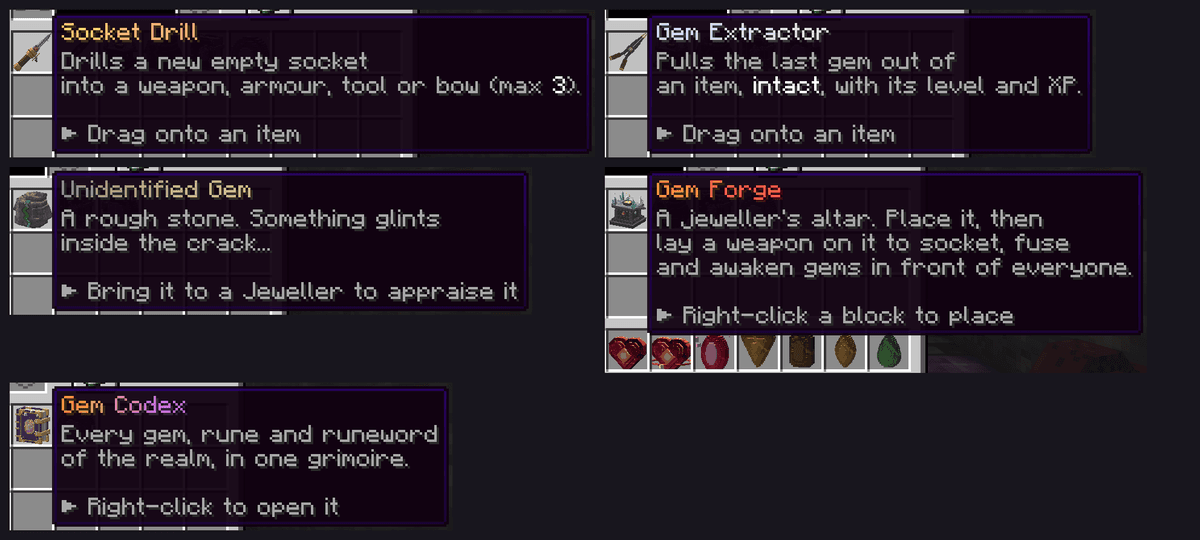
Use a Socket Drill the same way as a gem: click it on the item, or use it at a forge. It always works, and it is used up. An item can have up to 3 sockets.
Taking a gem out
Use a Gem Extractor: click it on the item, or use it at a forge. The gem comes out intact, with its level and XP, and the extractor is not used up.
From the inventory it takes the last gem. At a forge you choose the gem by looking at it. A few gems may be set by the server so they can't be removed.