
Uploading texture pack
Well, first of all, I suggest to do this step once the texture pack is done, since if it isn't, you would need to upload it again and again with every change you made. Once this is said, let's start.
Steps:
- First of all, get your texture pack, and zip it (for mac users, search videos on google how to do this)
- Then, go to this link: https://mc-packs.net (there are other ways, but this one is pretty good), and upload the resource pack there.
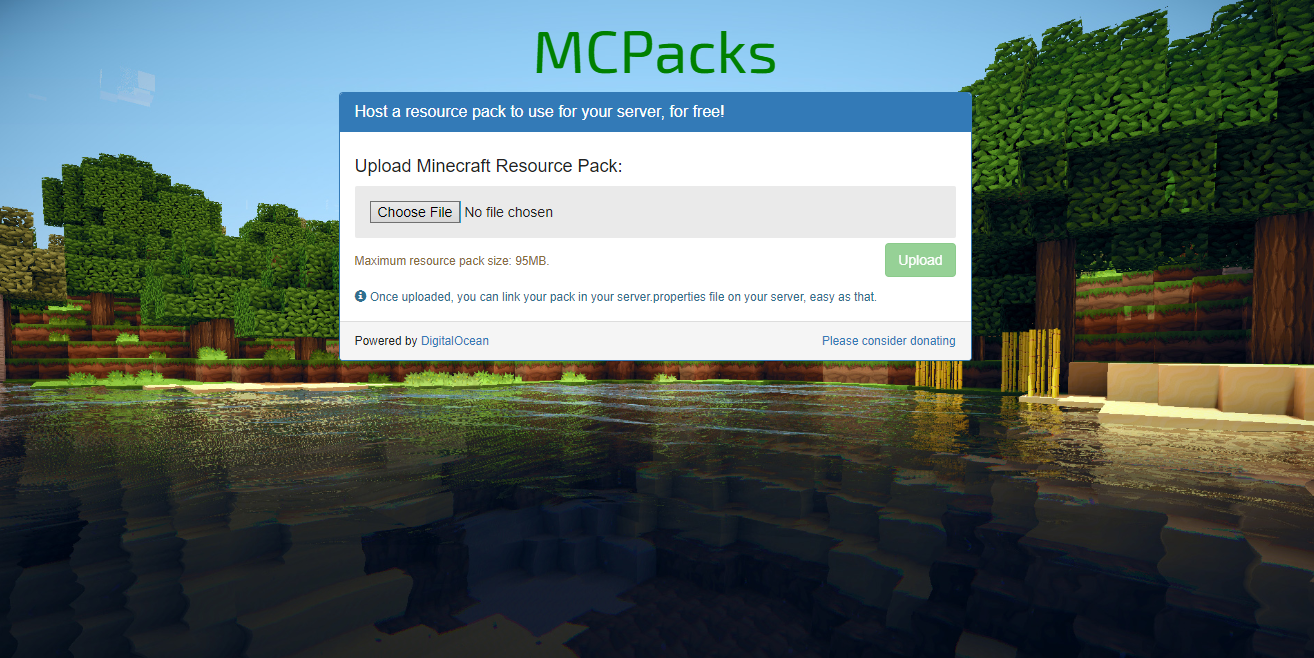
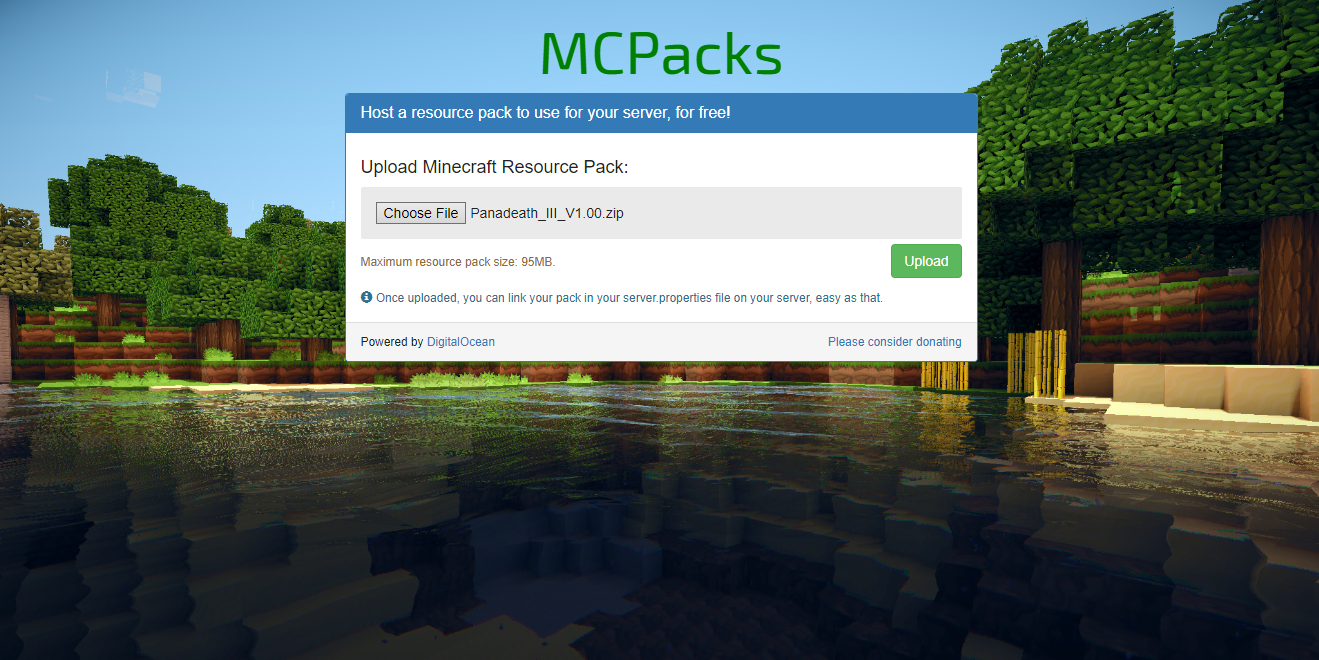
- Now press upload, and just wait. Once the process is done, the page will look like this:
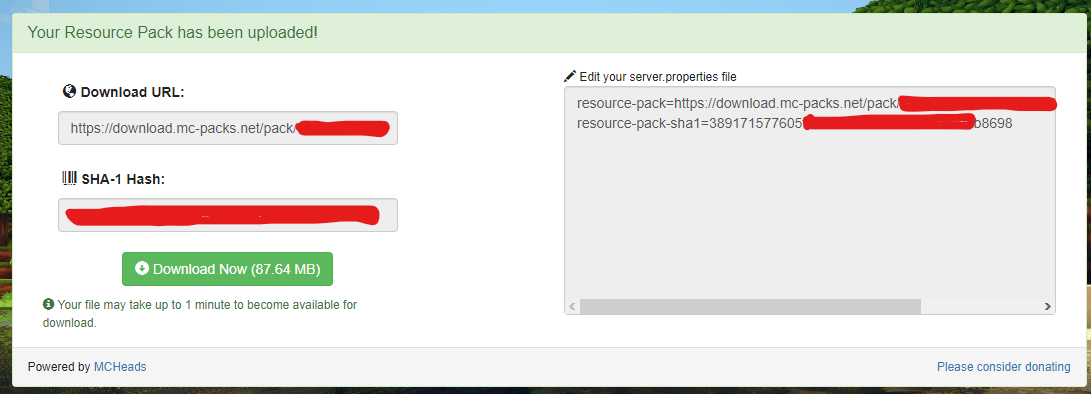
- The important part is the right side, where it says "Edit your server.properties file", so, we have to go there, it is in
serverfolder/server.properties

-
Let's open it, and we have to search for:
- resource-pack
- resource-pack-sha1


- And we just have to replace the values gave by the webpage into both of this.


- Once we have done that, let's save the file, and start your server
If it was opened it is highly recommended to stop + start (don't restart but stop+restart)
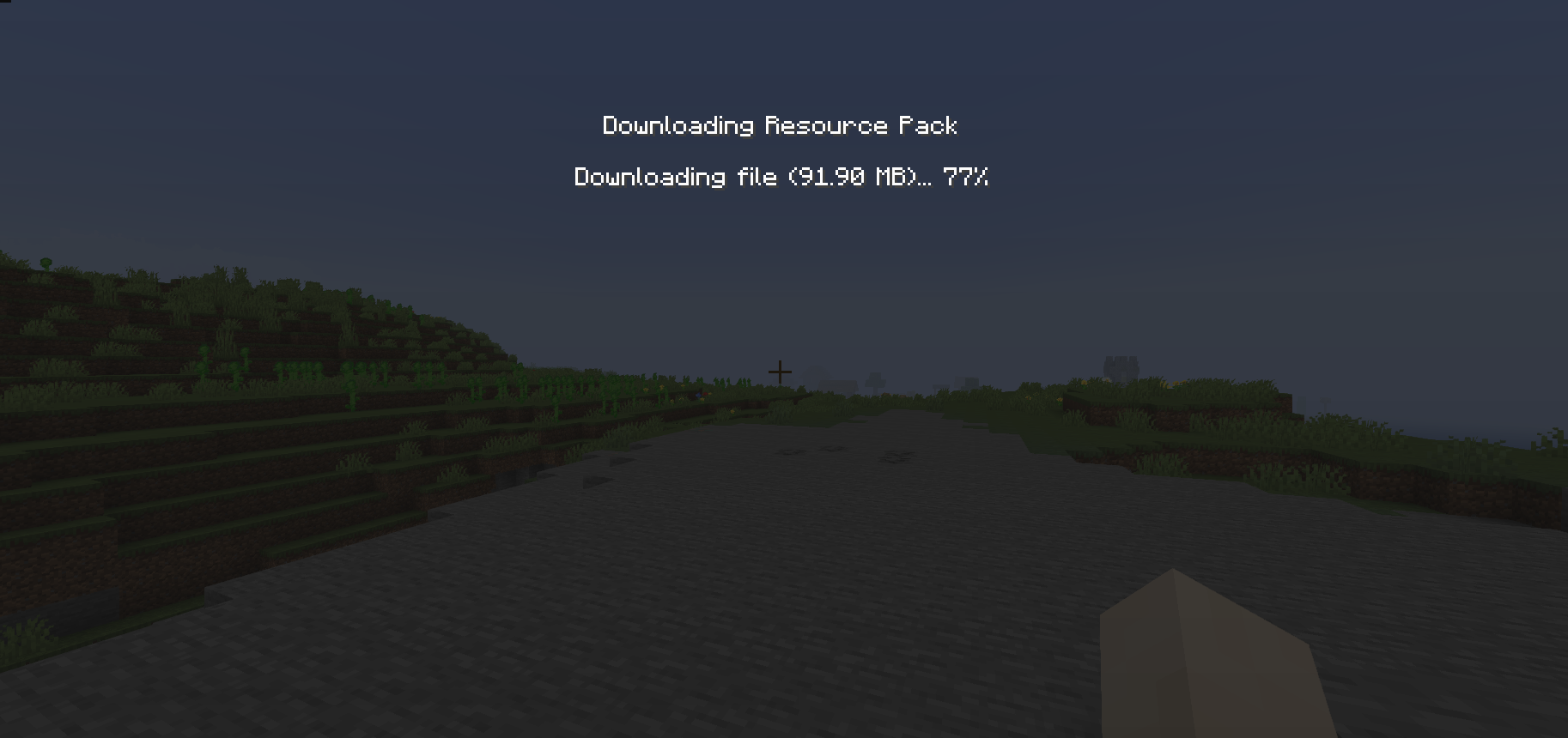
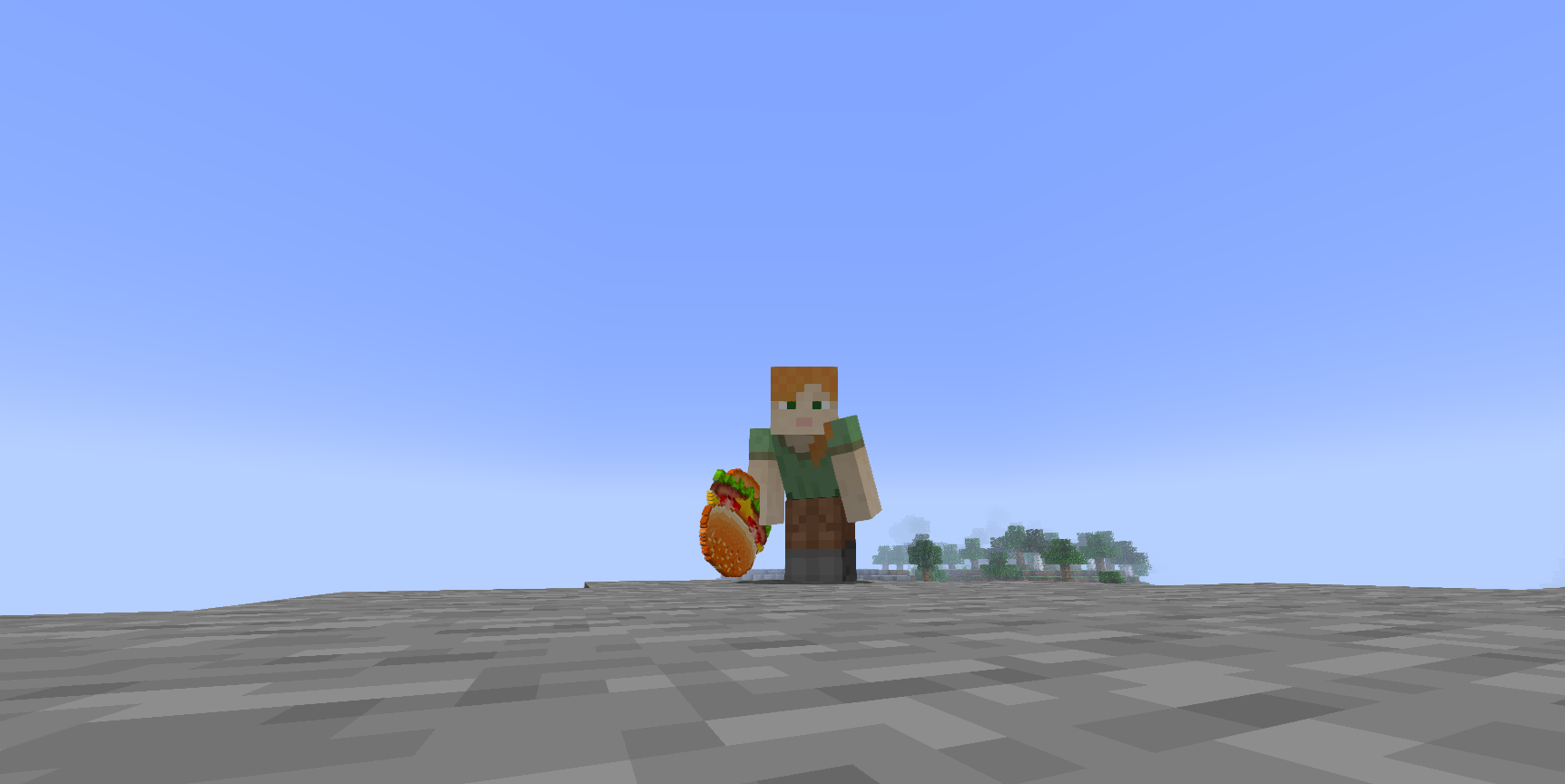
And that's it, it is now in our server, I hope you understood everything if have a trouble in the process (and is not explained in this tutorial) feel free to ask in the discord of Ssomar plugins, have a nice day 🥳🥳🥳
Try it now
Copy this into ExecutableItems and reload
From the SCore custom commands reference. Paste it into a config, run the plugin's reload command, and you have a working starting point to edit.
activators:
  activator0: # Activator ID, you can create as many activator on the activators list
    option: # Here goes an activator that is at least instance of player
    playerCommands:
    - ABSORPTION amount:5 time:200 # Gives the player absorption
  activator1: # Activator ID, you can create as many activator on the activators list
    option: # Here goes an activator that is at least instance of target
    targetCommands:
- ABSORPTION amount:5 time:200 # Gives the target absorptionPlugin used on this page
ExecutableItemsCustom items with abilities, activators and commands — no code.
- 5.0/5 from 10 reviews
- 3.2K servers running it right now (bStats)
- 89 downloads on SPlugins
€19.99
one-time, lifetime updates