
Edit plugin messages
Conditions
In case you want to edit these messages just go to the same place where you added it and you'll see that you have an option to edit those messages.
Examples:
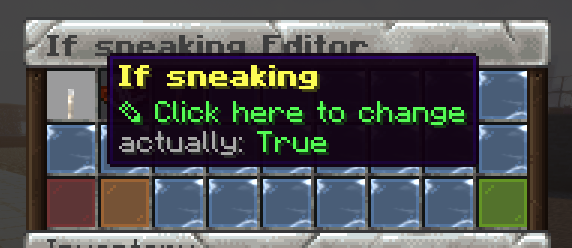
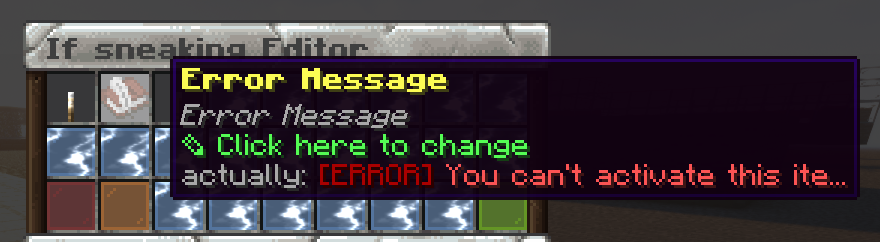
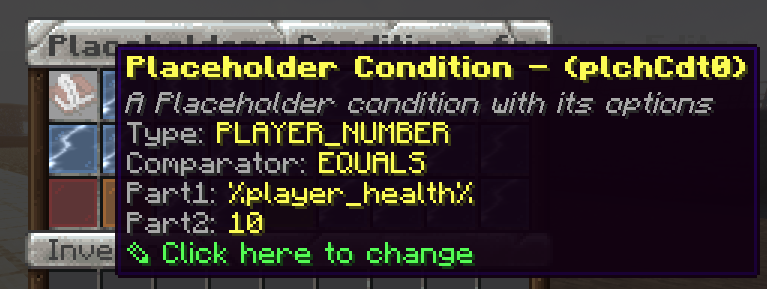
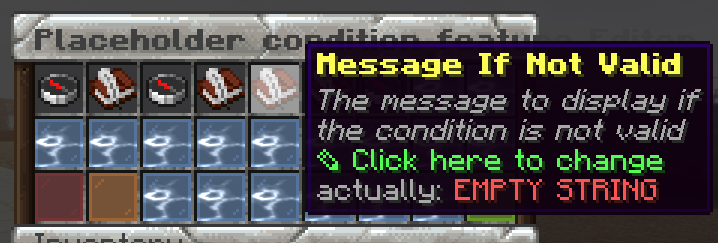
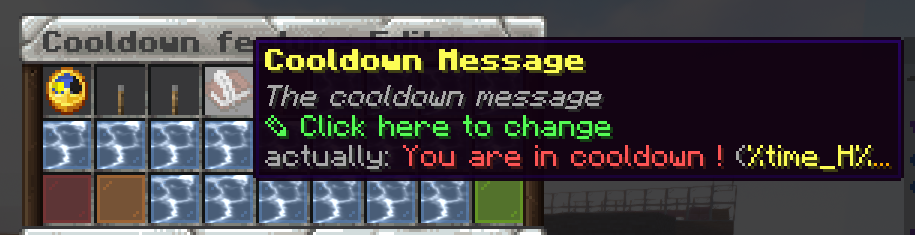
Cooldown message
If want to edit this message, just go to the same place where you added the cooldown and you will have an option to edit the message.
ExecutableItems locale
Now, some of the messages come from the locale of ExecutableItems, inside plugins/ExecutableItems/locale/<here>. Examples of theses are
To edit these messages just go to the locale file and edit it yourself, then save the file and reload the plugin -> /ei reload
Score locale
Finally, the other messages come from the locale of Score, inside plugins/Score/locale/<here>. Example of theses are
To change these type of texts just edit the file yourself, then save it and reload the plugin with -> /score reload
Try it now
Copy this into ExecutableItems and reload
From the SCore custom commands reference. Paste it into a config, run the plugin's reload command, and you have a working starting point to edit.
activators:
  activator0: # Activator ID, you can create as many activator on the activators list
    option: # Here goes an activator that is at least instance of player
    playerCommands:
    - ABSORPTION amount:5 time:200 # Gives the player absorption
  activator1: # Activator ID, you can create as many activator on the activators list
    option: # Here goes an activator that is at least instance of target
    targetCommands:
- ABSORPTION amount:5 time:200 # Gives the target absorptionPlugin used on this page
ExecutableItemsCustom items with abilities, activators and commands — no code.
- 5.0/5 from 10 reviews
- 3.1K servers running it right now (bStats)
- 89 downloads on SPlugins
€19.99
one-time, lifetime updates