
🗂️ Create a category
A folder of gems/ is a category. The gems of the earlier tutorials are in gems/custom/, so the Codex already has a Custom tab. Let's give it a real name.
The file
Create gems/custom/category.yml:
name: '<#e0115f>Blood Moon'
color: '#e0115f'
icon: blood_opal
order: 5
goes-on: 'your whole kit'
description:
  - '<gray>The gems of the Blood Moon event.'
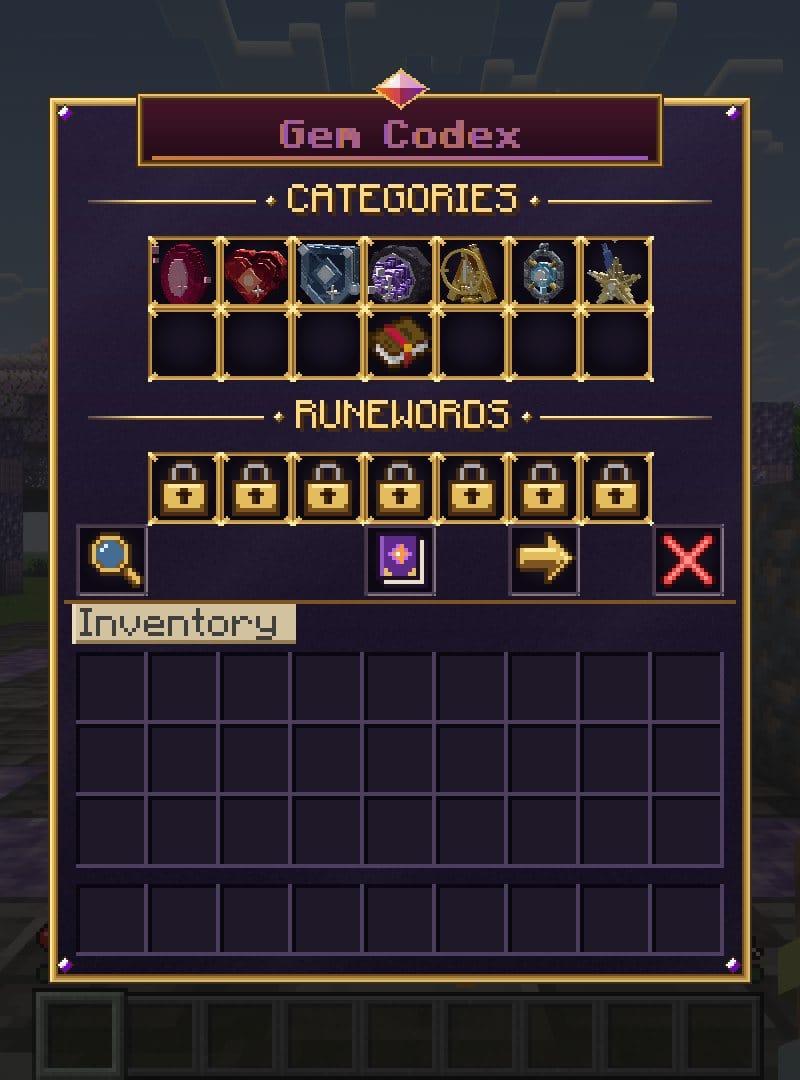
/eg reload, then open the Codex. The category has its tile, in the position set by order:
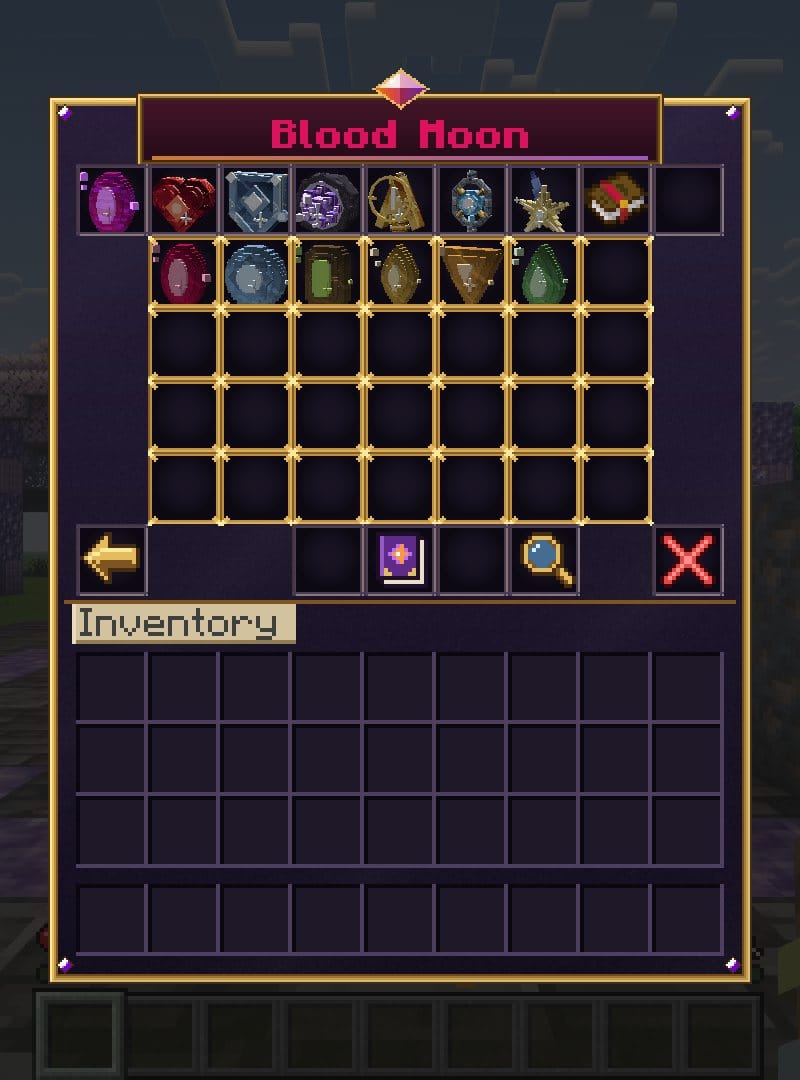
And its page, with the other categories as tabs at the top:
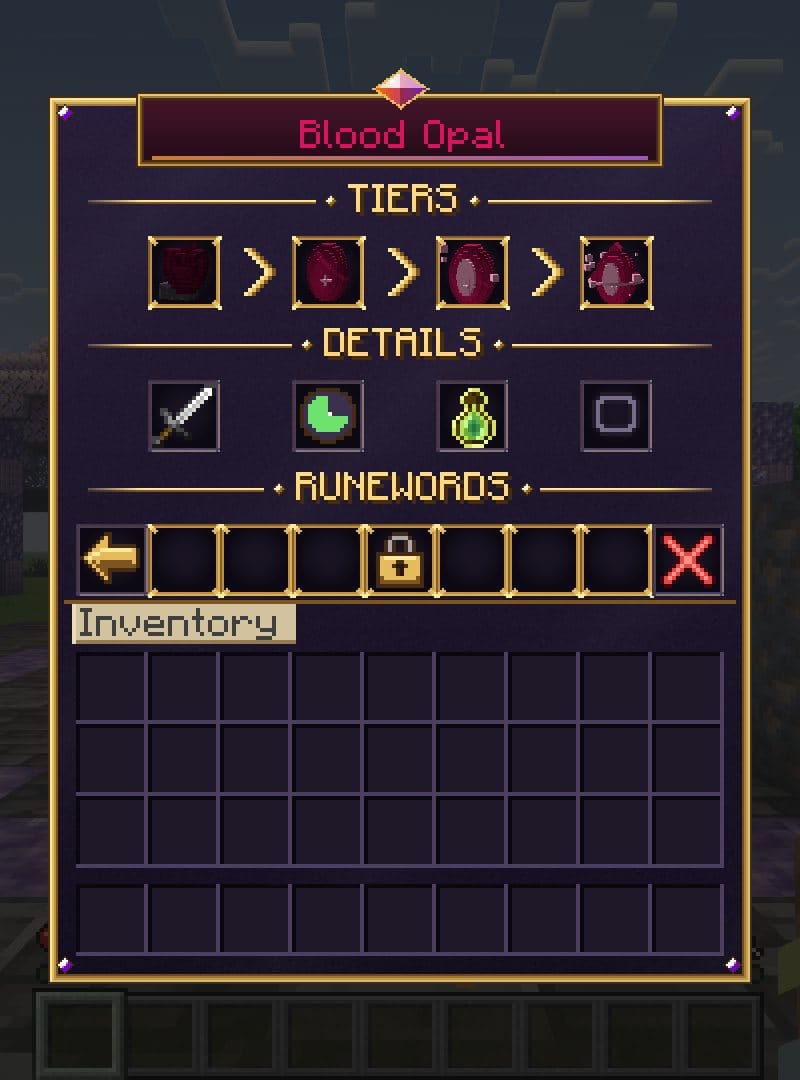
Each gem has its own page too:
Tabs and pages are handled for you, however many categories and gems you add.
Useful commands
/eg codex YourName custom
/eg codex YourName blood_opal
/eg list
Created Nov 8, 2026Last updated Nov 8, 2026 by Ssomar
Edit this page on GitHub