
🚀 Getting started
In 10 minutes you will install the plugin, place a forge and socket your first gem.
1. Install
Put these three files in your plugins/ folder, then stop and start the server:
SCoreExecutableItemsExecutableGems
The server must run Paper 1.21.11 or newer. See How to install correctly if something goes wrong.
In the console, you should see:
[ExecutableGems] Gems loaded: 37 in 7 categories, runewords: 12
[ExecutableGems] Ready. Gems run through ExecutableItems' activators.
2. Accept the resource pack
Join the server and accept the resource pack. It holds the gems, the forge and the menus.
3. Give yourself what you need
/give YourName netherite_sword
/eg give YourName vampire 5
/eg give YourName empower 3
/eg tool YourName socket_drill
/eg tool YourName gem_forge
Replace YourName with your name. A sword has one socket: the drill will add a second one.
4. Socket a gem in your inventory
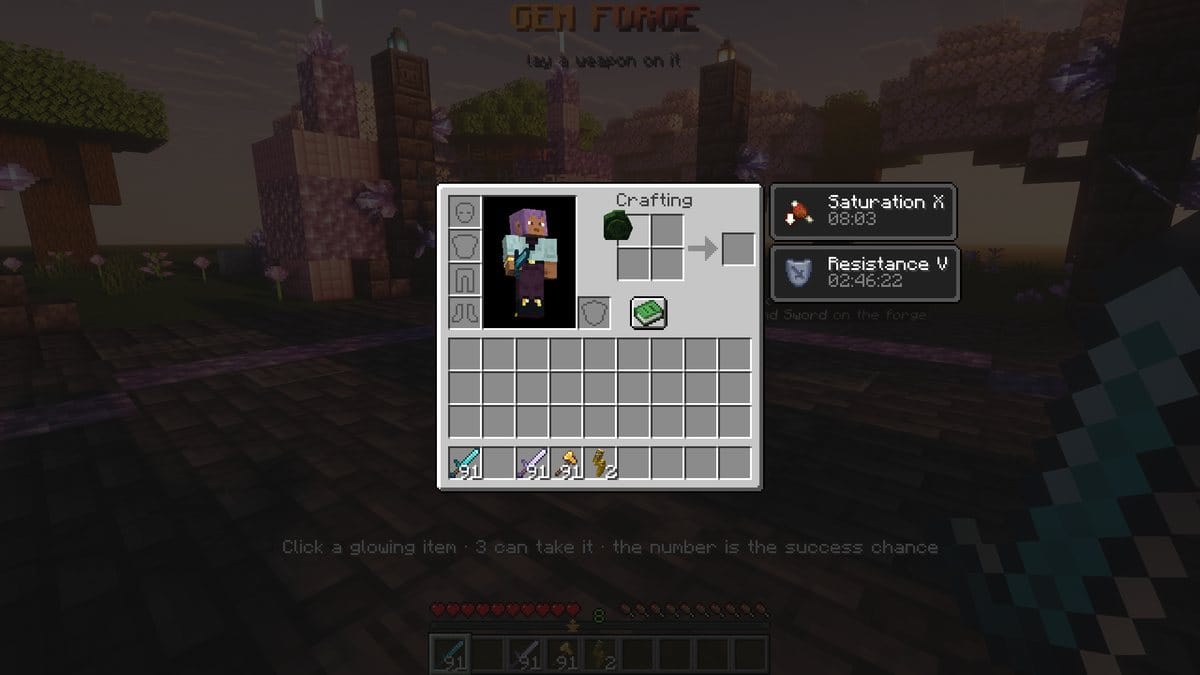
Switch to survival (/gamemode survival), because the inventory method does not work in creative. Open your inventory, pick up the Vampire Rune and click on the sword.
At level 5, the Vampire Rune has an 85% chance of success, so a window asks you to confirm. If the gem shatters, give yourself another one: the sword is safe.
The sword now has a gem. Hover over it to see it:
5. Place a forge
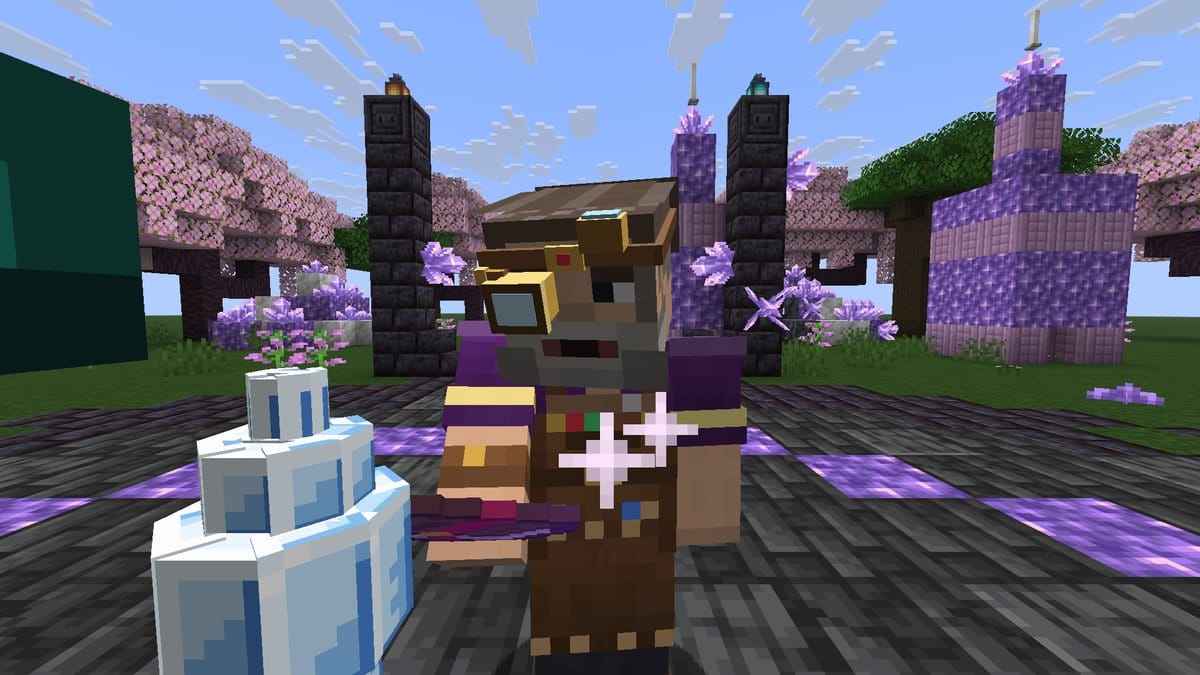
Hold the Gem Forge and right-click the top of a block. A jeweller appears next to it.
6. Use the forge
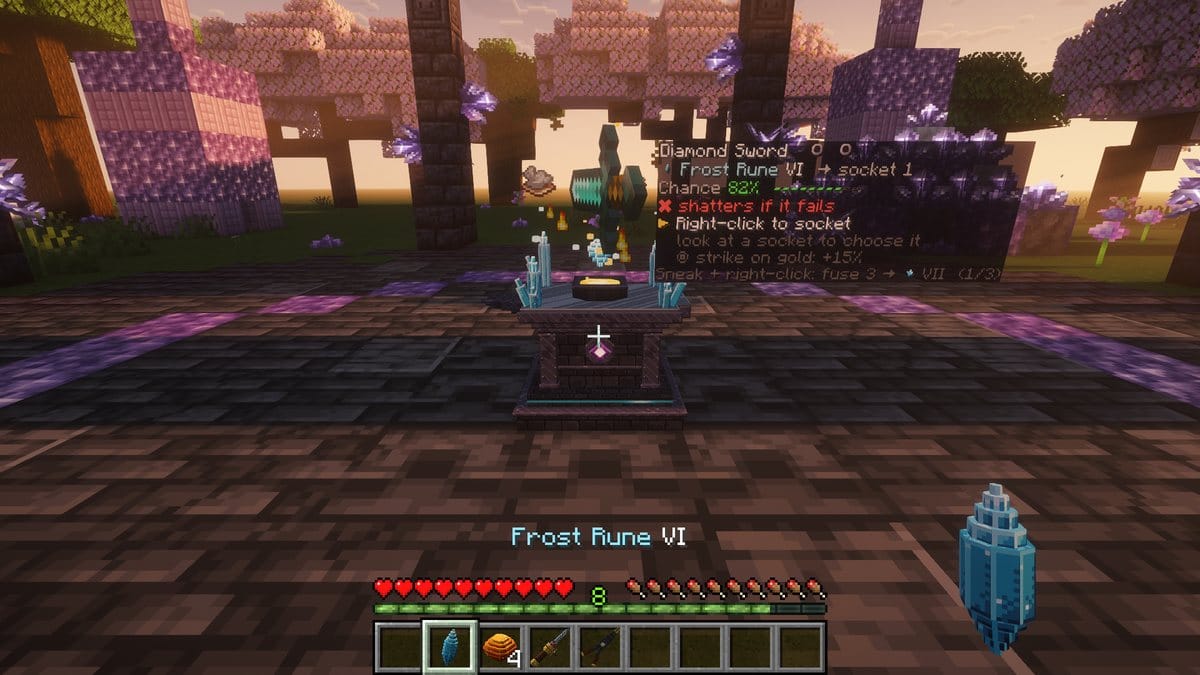
- Hold the sword and right-click the forge to lay it down.
- Hold the Socket Drill and right-click: the sword gets a second socket.
- Hold the Empower Support and right-click: the ritual starts. When the ring turns gold, click again for a perfect strike.
- Empty your hand and right-click to take the sword back.
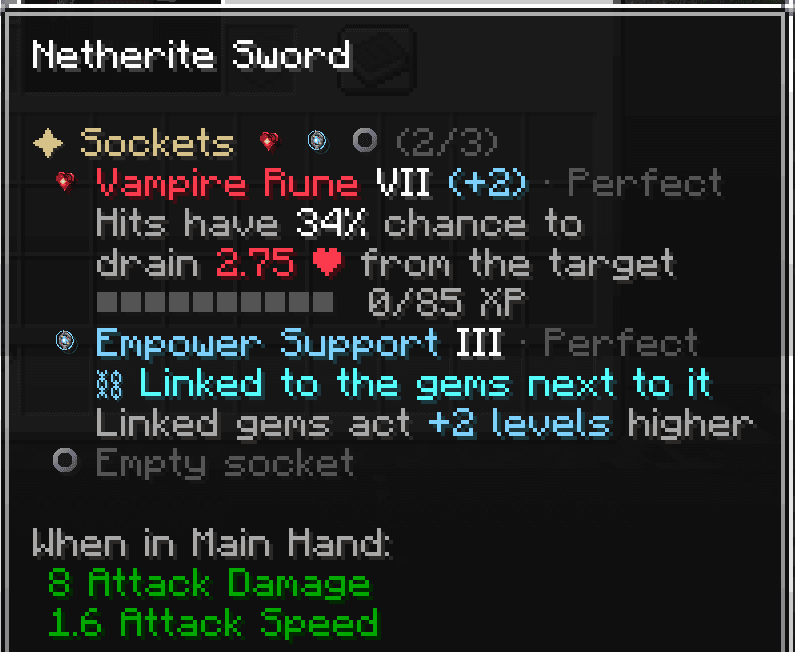
Hover over your sword. The Vampire Rune is boosted by the support next to it:
7. Test it
Spawn a training dummy. It never dies and shows each hit as a floating number:
/eg dummy
/eg luck YourName on
/eg luck makes every chance succeed, so you see the gem work at each hit. Turn it off afterwards with /eg luck YourName off.
8. Let your players use gems
Give your players the permission ei.item.*
A gem runs through ExecutableItems, which checks the permission of the item. A player who is not OP needs ei.item.*, or every gem shows "You do not have the permission to use eg_..." and does nothing.
With LuckPerms: /lp group default permission set ei.item.* true
Without a permission plugin, put this in the permissions.yml of your server and restart:
ei.item.*:
  default: true
9. Choose what's next
- Read the config to change the drop rates and prices.
- See the list of gems.
- Create your first gem.