
Custom food
If would like to add custom food to your server, you should take a look at this guide. It can be done using the free version. But in terms of adding custom retexturing food, it would need the premium version. Said that, let's begin
Create the item
- We have to create the item running /ei create <id>

Visual stuff
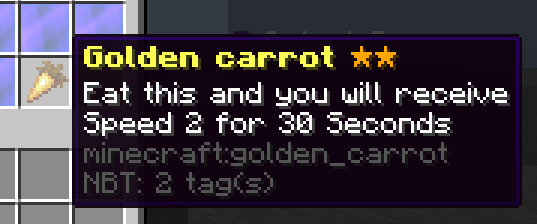
- Set up the custom name, the material, the lore etc.
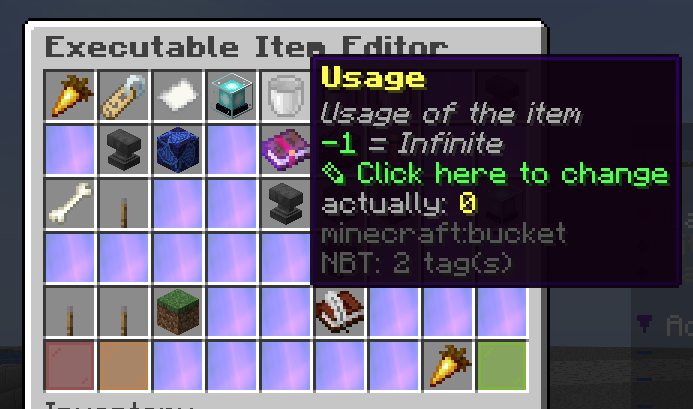
Usage
- We have to set the usage of the item to 0
Info
If you have the premium version set the usageModification too to -1
Activator
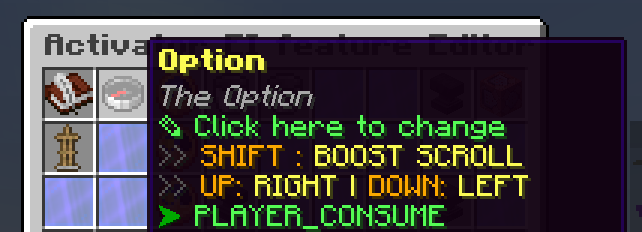
- Let's move on into activators, create one, it must be PLAYER_CONSUME
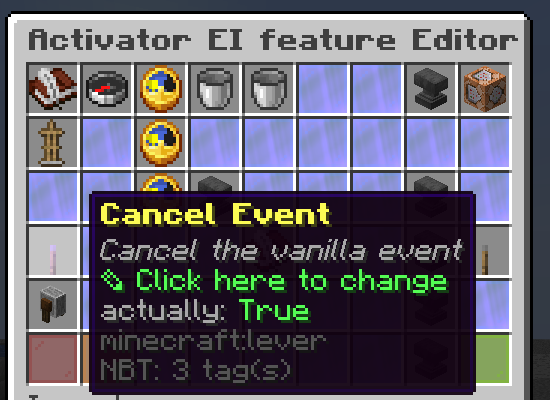
- Cancel the event
- And now let's edit the commands, in this case I will give the player speed, and 2 of food.
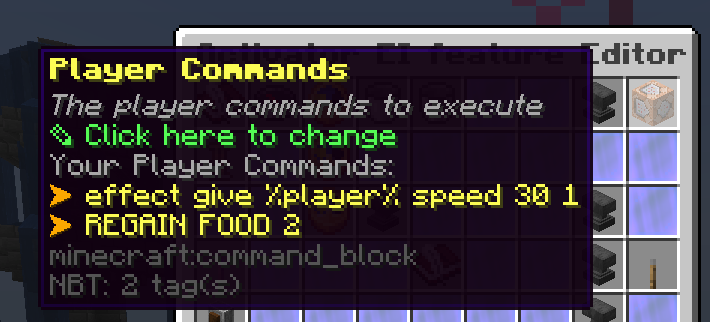
- And that's it, let's test
Test
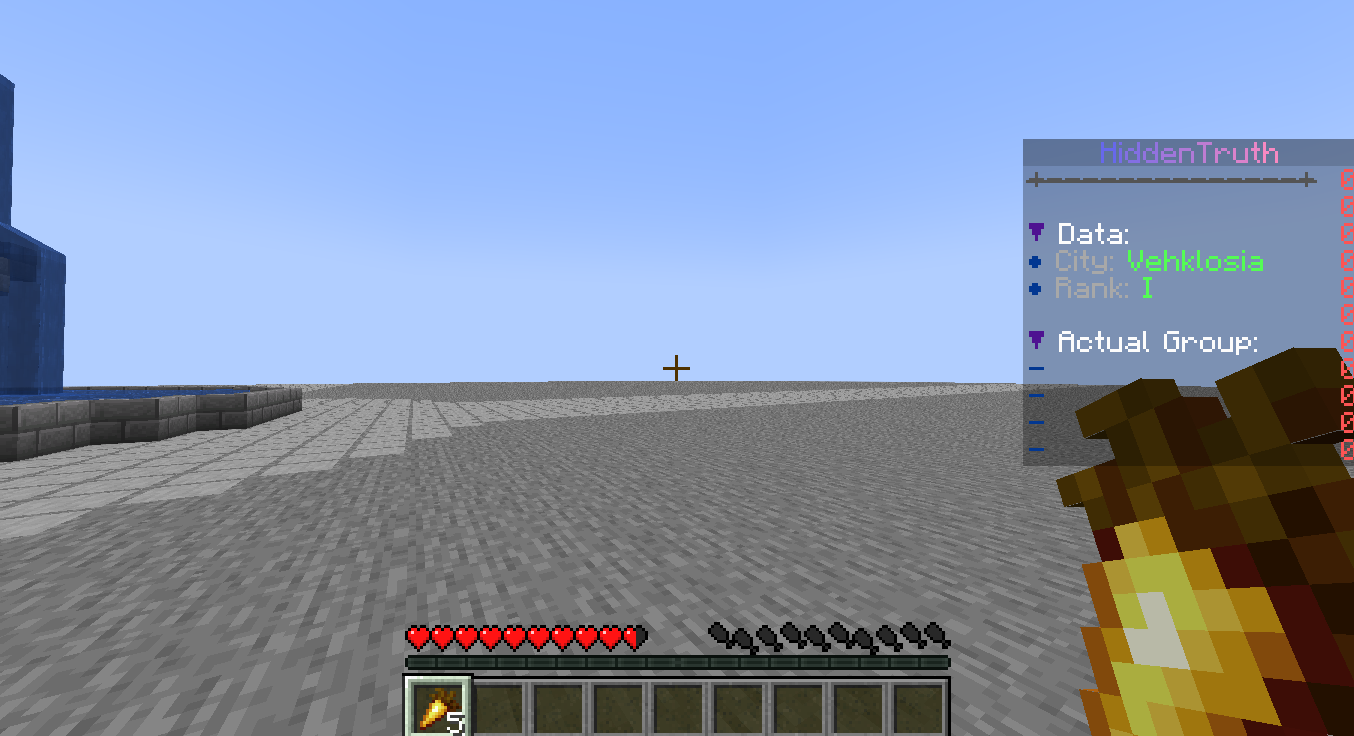
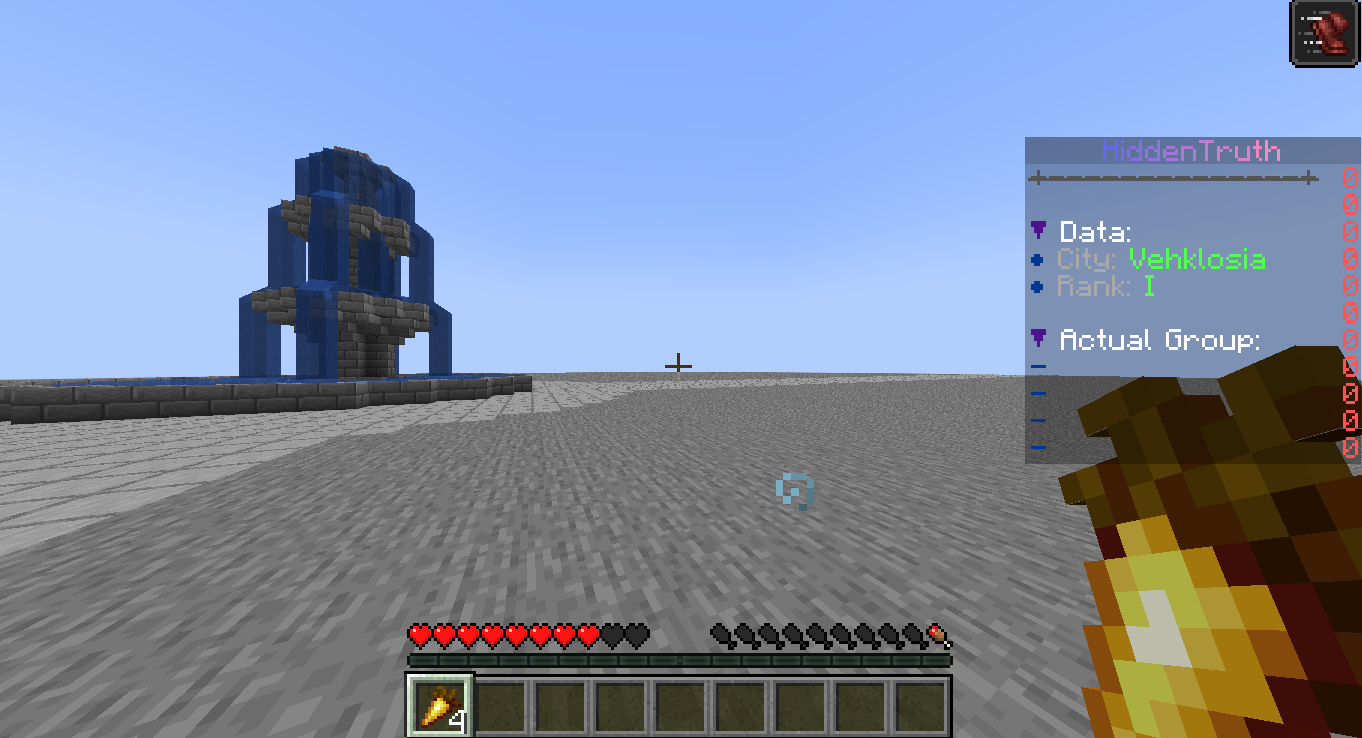
- It gave me speed and 1 food, all fine 🥳🥳🥳
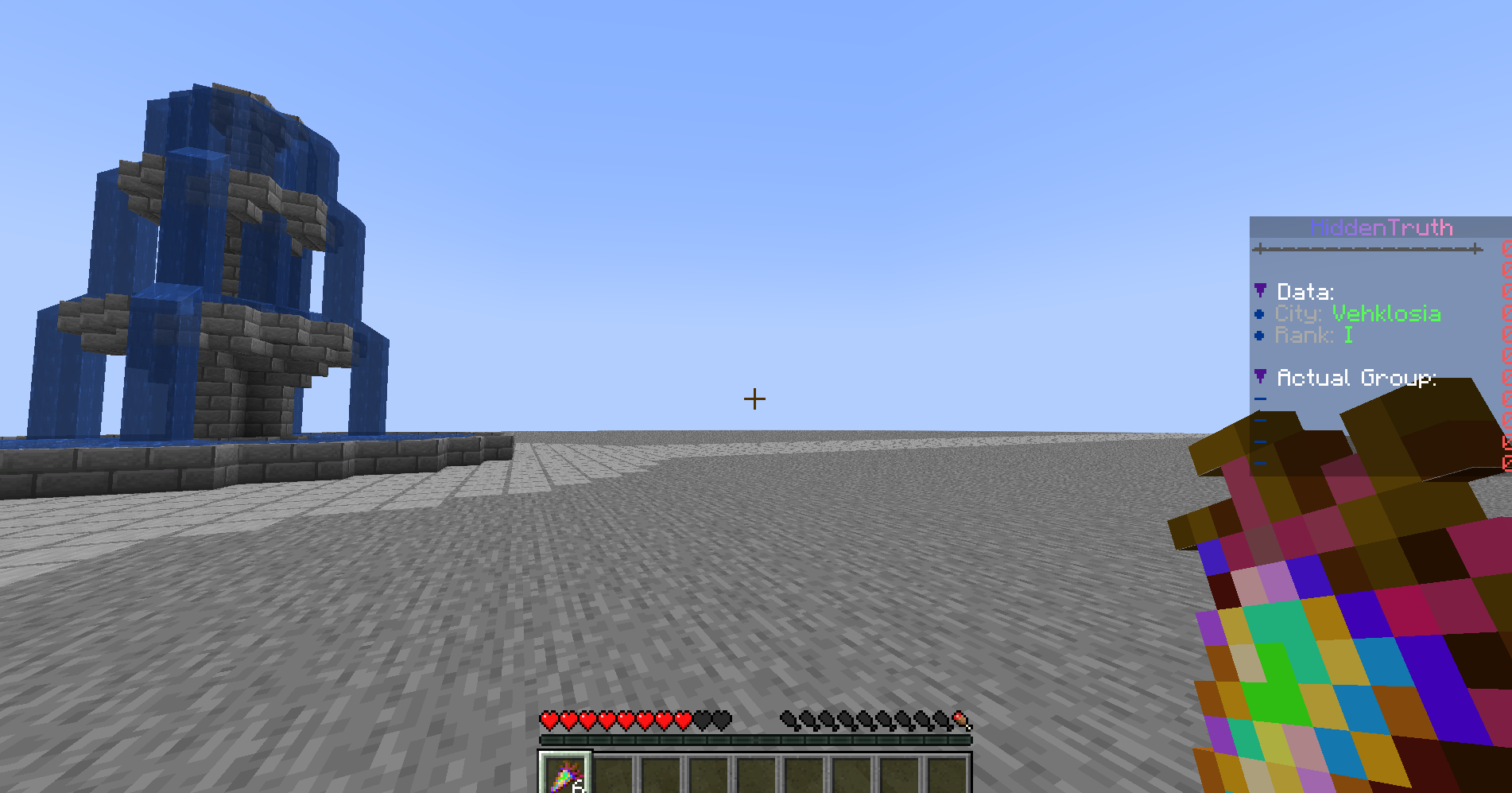
- Now to set it to custom texture food just apply the custom retexturing, if have no idea and have the premium version feel free to check the tutorials. If have any question feel free to ask ^^.
Try it now
Copy this into ExecutableItems and reload
From the SCore custom commands reference. Paste it into a config, run the plugin's reload command, and you have a working starting point to edit.
activators:
  activator0: # Activator ID, you can create as many activator on the activators list
    option: # Here goes an activator that is at least instance of player
    playerCommands:
    - ABSORPTION amount:5 time:200 # Gives the player absorption
  activator1: # Activator ID, you can create as many activator on the activators list
    option: # Here goes an activator that is at least instance of target
    targetCommands:
- ABSORPTION amount:5 time:200 # Gives the target absorptionPlugin used on this page
ExecutableItemsCustom items with abilities, activators and commands — no code.
- 5.0/5 from 10 reviews
- 3.0K servers running it right now (bStats)
- 90 downloads on SPlugins
€19.99
one-time, lifetime updates
Created Oct 26, 2025Last updated Jun 22, 2026 by Ssomar
Edit this page on GitHub